 by
by A media buyer in Singapore spent $47,000 on display ads in three months. Not a single conversion tracked back properly. The DSP blamed the pixel. The agency blamed the DSP. The client blamed everyone. The real problem? The platform wasn’t built for someone who wanted to test, tweak, and optimise every four hours. It was built for set-it-and-forget campaigns that suited enterprise retainers, not agile operators running client budgets with weekly reviews.
That’s the trap most media buyers fall into when choosing a platform. They pick based on name recognition or what the last webinar recommended. Then they’re locked into dashboards that update once a day, inventory they can’t segment properly, and support tickets that close with “works as intended.”
Self-serve ad platforms fix that problem when you choose the right ones. You control the targeting. You see the data in real time. You pause what’s bleeding money and scale what converts. No account rep standing between you and your campaign settings.
But not all self-serve platforms are equal. Some are walled gardens pretending to be open. Others have incredible reach but zero transparency on where your budget actually goes. A few are legitimately built for operators who know what a bidding multiplier does and why it matters.
At adnetworksreview.com, we’ve tested these platforms with real budgets, tracked what works for different traffic types, and watched how pricing models shift when you’re spending $500 versus $50,000 a month. We’ve also seen which platforms approve fast and which ghost you for two weeks then reject without explanation. Here’s what actually matters in 2026.
What Makes a Platform Self-Serve
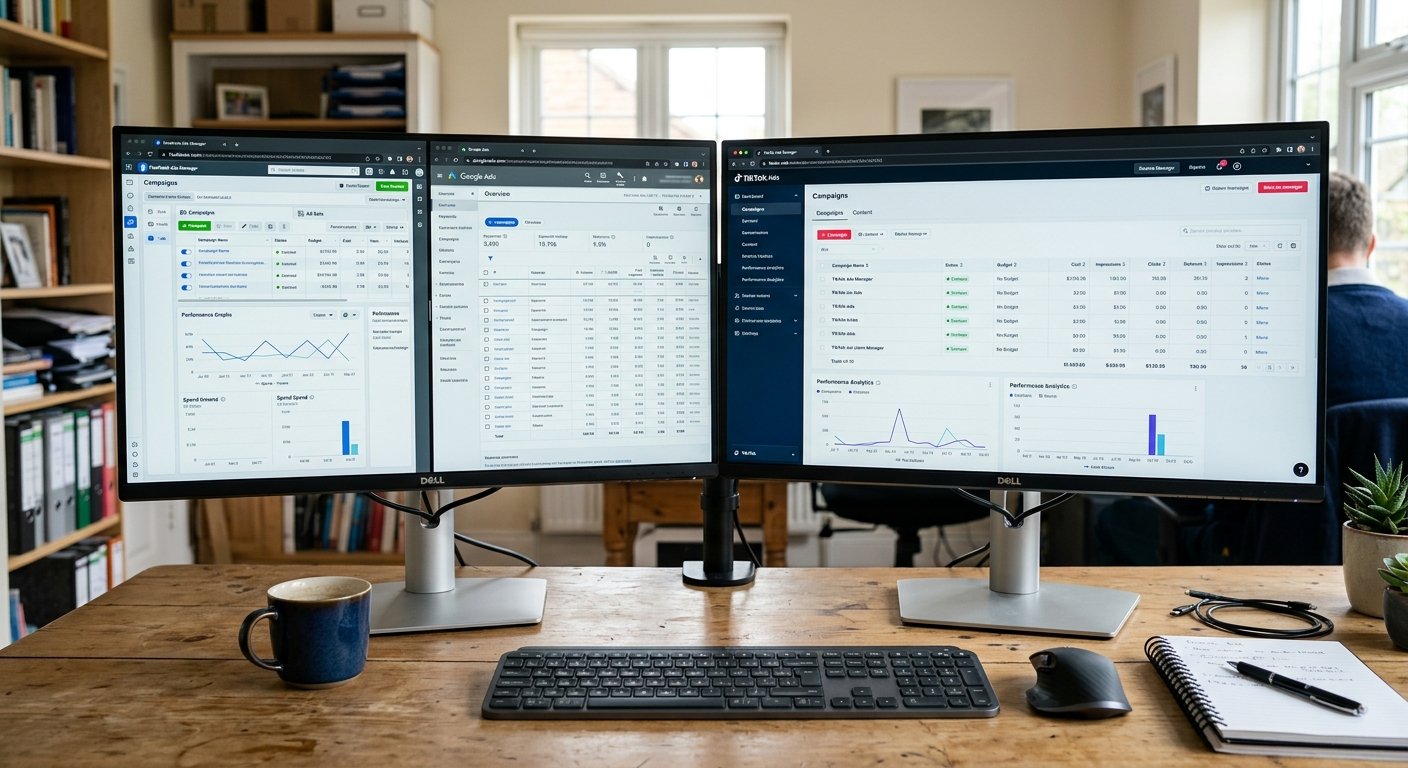
Self-serve means you control the campaign without a middleman. You log in. You upload creative. You set your bid. You choose your audience. You hit launch. No sales call. No minimum spend negotiation. No waiting three days for someone to approve your banner swap.
That sounds simple until you realise most platforms call themselves self-serve but still force you into managed service the second you want programmatic deals or private marketplace access. Real self-serve gives you the same tools the managed clients get — just without the account manager taking 15 percent and responding to your Slack message eight hours later.
The best platforms let you test fast. You can spin up a campaign, run it for six hours, kill the underperformers, and reallocate budget before lunch. That’s the speed media buyers need when you’re managing multiple clients across time zones with different performance windows.
Bad platforms make you wait. Creative review takes 48 hours. Approval is manual. The dashboard updates overnight. Bid changes don’t apply until the next billing cycle starts. You’re stuck flying blind while your client asks why CPMs doubled between Tuesday and Wednesday.
Speed matters more than breadth when you’re buying for performance, not brand awareness.
Google Display & Video 360 (DV360)
DV360 isn’t technically open to everyone, but if you can access it through a partner or agency seat, it’s the deepest self-serve programmatic platform most buyers will touch. You get access to Google’s entire ad exchange, YouTube inventory, and third-party exchanges all in one interface.
The targeting options go past what most platforms even attempt. You can layer first-party data, affinity audiences, in-market signals, and contextual keywords all in one campaign. Then add frequency caps per user per day across all your line items. The control is absurd once you learn where everything lives.
The learning curve is steep. First time you open DV360, it looks like someone designed a cockpit for people who hate simplicity. Insertion orders, line items, creatives, pixels, floodlight tags, audience lists, inventory sources — everything has three layers of settings. You’ll spend your first week just figuring out why your campaign didn’t spend.
But once you’re through that wall, you can run display, native, video, and CTV all from one dashboard with unified reporting. We’ve seen buyers cut their cost per acquisition by 40 percent just by shifting budget from Meta to DV360 programmatic display because the inventory quality was higher and bots were filtered better.
Approval is instant for most verticals. If you’re in finance, health, or anything remotely regulated, expect extra review steps. The platform doesn’t care if you’re spending $500 or $500,000 — the tools are identical.
Meta Ads Manager (Facebook & Instagram)
Meta is the default self-serve platform for most digital marketers, and for good reason. The interface is fast. Creative testing is built in. The audience targeting works even after iOS privacy changes gutted some of the granularity.
You can launch a campaign in under ten minutes if you’ve run ads before. Upload creative, pick your objective, set your budget, choose your placements, hit publish. The algorithm does most of the optimisation if you let it, which works great until you need more control than the platform wants to give you.
The advantage is volume. Meta has 3 billion users. If your offer works for a broad demographic, you’ll find them here faster than anywhere else. We’ve launched cold traffic campaigns that hit 100,000 impressions in the first six hours. No other platform matches that speed for awareness plays.
The problem is that Meta optimises for Meta’s revenue, not your performance. The moment your campaign starts converting, CPMs creep up. Your $4 CPM turns into $9 CPM by day three even though your targeting didn’t change. That’s the algorithm deciding you’ll pay more because the campaign proves it works.
You also can’t see placement-level performance the way you used to. Meta mixes Instagram Stories, Facebook Feed, Audience Network, and Messenger into one campaign and tells you the blended cost per result. If one placement is bleeding budget and another is profitable, you won’t know until you manually break them into separate ad sets and test.
Still, if you’re a media buyer working with e-commerce, lead gen, or app installs, Meta is unavoidable. The pixel is the most mature conversion tracker in the industry. The integration with Shopify, WooCommerce, and every CRM means attribution mostly works. You’ll spend money here whether you want to or not.
The Trade Desk
The Trade Desk is the gold standard DSP for media buyers who know what they’re doing. It’s expensive to access unless you’re spending serious volume, but the platform gives you transparent control over where every dollar goes.
You bid in real-time auctions across display, native, video, CTV, audio, and digital out-of-home. The inventory sources are clearly labelled. You can whitelist publishers, blacklist apps, set floor prices, and layer on third-party verification to filter fraud before you spend a dollar.
The reporting is the best in the industry. You can break down performance by device, placement, creative, time of day, geography, and audience segment all in one view. If your CPA spiked at 3pm on Thursday, you’ll know exactly which combination of variables caused it.
The Trade Desk doesn’t optimise for you the way Meta does. You set the rules. You adjust the bids. You decide whether to chase scale or efficiency. That’s perfect if you know what levers to pull. It’s a disaster if you’re used to platforms that auto-optimise and you’re just learning programmatic.
One thing that surprised us: CTV performance on The Trade Desk consistently beat YouTube for direct response campaigns in finance and SaaS. Lower CPMs, better completion rates, and the ability to exclude kids’ content and mobile placements made a measurable difference in lead quality.
Access is the barrier. You need a partner, a managed service agreement, or enough volume to negotiate direct access. If you’re spending under $10,000 a month, you’re probably not getting in.
Amazon Ads (DSP & Sponsored Products)
Amazon has two self-serve platforms, and they work very differently. Sponsored Products is for e-commerce sellers running ads inside Amazon search results and product pages. Amazon DSP is a programmatic platform that lets you buy display, video, and audio inventory across Amazon-owned properties and third-party exchanges.
Sponsored Products is absurdly simple. You pick your product. You pick your keywords or let Amazon auto-target. You set a daily budget. The ads go live in under an hour. If you sell on Amazon and you’re not running Sponsored Products, you’re leaving money on the table.
The DSP is more complex but incredibly powerful if your audience shops on Amazon. You can target people who viewed a competitor’s product but didn’t buy. You can retarget people who bought from you six months ago. You can build lookalike audiences based on purchase behaviour, not just clicks.
Amazon’s audience data is the cleanest in the industry because it’s based on credit card transactions, not cookies. When Amazon says someone is in-market for fitness equipment, they’re not guessing — that person searched for running shoes, read reviews, and added a yoga mat to their cart twice.
The downside is the creative restrictions. Amazon enforces strict policies on what you can say, what claims you can make, and what your landing page has to include. If you’re used to running aggressive direct response ads on Facebook, half your creatives will get rejected on Amazon.
Roku Ads & Samsung Ads
Both Roku and Samsung opened self-serve CTV platforms in the last two years, and they’re surprisingly good for media buyers who don’t want to go through The Trade Desk or DV360.
Roku Ads Manager lets you run campaigns on Roku devices and The Roku Channel. You upload your video creative, pick your audience, set your CPM bid, and launch. The minimum spend is around $1,500 per campaign, which is accessible for most buyers testing CTV for the first time.
Completion rates on Roku are higher than YouTube because the ads are unskippable and viewers are typically watching on a TV, not a phone with six tabs open. We’ve seen 80 percent completion rates on 30-second spots when the creative is remotely relevant to the content.
Samsung Ads is similar but includes Samsung Smart TVs and their ad-supported streaming apps. The targeting is device-level, which means you can reach households based on what they watch, not just what they search.
Both platforms are limited in scale compared to YouTube or The Trade Desk, but the CPMs are lower and the environments are cleaner. If you’re running performance campaigns for insurance, finance, or home services, CTV inventory on Roku or Samsung consistently delivers better cost per lead than social or display.
The creative requirements are stricter. You need 15-second and 30-second versions. The file size can’t exceed certain limits. There’s no clickable CTA in the video itself — you drive awareness and retarget on other platforms.
StackAdapt
StackAdapt is a self-serve DSP built for agencies and in-house media buyers who want programmatic access without the complexity of The Trade Desk. It covers display, native, video, CTV, and audio with a much friendlier interface.
The platform is genuinely self-serve. You can sign up, get approved in 48 hours, and start running campaigns with a $1,000 minimum monthly spend. No enterprise contract. No six-month commitment. You pay per impression and the platform takes a percentage, but it’s transparent.
Native ad performance on StackAdapt is better than most other platforms we’ve tested. The creative builder is simple, the placements are clearly labelled, and you can A/B test headlines and images without spinning up separate campaigns.
The reporting updates in real-time, which sounds basic but half the platforms in this list don’t do it. You can check performance at 11am, pause underperforming line items by noon, and reallocate budget before lunch. That speed matters when you’re managing multiple clients and your job depends on hitting target CPA by Friday.
One weakness: international inventory quality is inconsistent. We’ve had great results in the US, Canada, and UK. Campaigns in Southeast Asia and LATAM had noticeably higher fraud rates and lower engagement even with third-party verification turned on.

LG Ads Solutions
LG Ads is the newest self-serve CTV platform on this list, and it’s worth testing if you’re already running on Roku or Samsung. The inventory is LG Smart TVs and LG Channels, which skews slightly older and more affluent than Roku.
The minimum spend is higher — around $5,000 per campaign — but the targeting options are solid. You can layer demographic, geographic, and interest-based signals just like you would on any DSP.
What stood out when we tested LG Ads: household-level frequency capping actually worked. We set a limit of three impressions per household per week, and the platform honoured it. That’s rarer than it should be in CTV. Most platforms over-deliver frequency and burn out creative faster than you’d expect.
The approval process is slower than Roku. Expect 3 to 5 business days for creative review, especially if your vertical is finance, health, or legal.
How to Choose the Right Platform for Your Campaigns
Most media buyers make this harder than it needs to be. You don’t need to test eight platforms at once. You need to match the platform to the campaign objective and the client’s budget.
If you’re running e-commerce with a proven offer and you need volume fast, start with Meta. If you need transparent programmatic access and you’re spending $25,000 a month or more, go to The Trade Desk. If you’re testing CTV for the first time and your client approved a $3,000 test budget, use Roku.
The mistake is assuming one platform works for everything. Meta is incredible for cold traffic and retargeting. It’s terrible for B2B lead gen in finance where your cost per qualified lead needs to stay under $40. The Trade Desk is perfect for that same finance campaign because you can exclude mobile, cap frequency per user, and whitelist premium publishers.
We’ve run campaigns where Meta delivered a $12 cost per lead and campaigns where it couldn’t break $90. The variable wasn’t the platform. It was whether the offer, creative, and audience matched what that platform’s inventory and algorithm optimises for.
Start with one platform. Run it for two weeks. Hit your minimum viable spend so the algorithm has enough data to optimise. If it works, scale it. If it doesn’t, test a second platform with the same creative and audience to isolate whether the platform was the problem or the campaign was.
Never run the same campaign on four platforms simultaneously unless you’re intentionally price-testing CPMs across inventory sources. You’ll split your budget too thin, none of the campaigns will exit the learning phase, and you won’t know which platform actually failed.
Approval Speed and Restrictions by Platform
Approval times matter more than most buyers think. If your client needs the campaign live by Monday and the platform takes four days to review creative, you’ve already failed.
Meta approves most campaigns in under two hours. Rejected ads usually get flagged within 30 minutes. The problem is the appeals process is a black hole. If Meta rejects your ad and you disagree, expect to wait three days for a human to look at it, and even then, the decision is often final with no explanation.
The Trade Desk doesn’t pre-approve creative unless you’re in a restricted vertical. You upload, you launch, you’re live. If a publisher rejects your creative after the fact, you’ll see it in the reporting, but the campaign keeps running on approved inventory.
Amazon is the slowest. Sponsored Products usually approve in a few hours. DSP creative can take 48 hours, sometimes longer if your landing page doesn’t meet their guidelines. They’re incredibly strict about what you can claim, especially in health, beauty, and supplements.
Roku, Samsung, and LG all require manual creative review. Budget 3 to 5 business days. If you’re launching on a Friday, don’t expect approval until the following Wednesday.
If speed is critical, use Meta or Google. If quality control and brand safety matter more than launch speed, the CTV platforms are worth the wait.
Pricing Models and Hidden Costs
Every platform says it’s transparent. Most of them lie by omission.
Meta and Google charge you per impression or per click with no platform fee on top. What they don’t tell you is the auction price fluctuates based on competition, and if your campaign starts working, your CPM will rise because the algorithm knows you’ll pay more.
The Trade Desk charges a percentage of your media spend — usually around 15 to 20 percent depending on your contract. That’s on top of what you pay for the impressions. A $10 CPM becomes $12 after the platform fee. But you get full transparency on what you paid per impression, per placement, per exchange.
StackAdapt works the same way. The platform fee is baked into the CPM you see, but it’s disclosed in your contract. You’re not guessing what margin they’re taking.
Amazon doesn’t charge a platform fee on Sponsored Products. You bid, you pay per click, that’s it. The DSP has a minimum spend commitment, but no separate platform fee beyond what you’re paying for inventory.
CTV platforms like Roku, Samsung, and LG charge per completed view with minimums per campaign. You’ll pay between $20 and $50 CPM depending on targeting and competition. There’s no platform fee, but the minimums mean you can’t test with $500 — you need at least $1,500 to get statistically relevant data.
Real-World Performance by Vertical
We’ve run campaigns across finance, e-commerce, SaaS, lead gen, and affiliate offers. Platform performance varies wildly depending on what you’re selling.
For e-commerce with strong creative and a sub-$100 product, Meta wins on volume every time. We’ve scaled campaigns to $5,000 a day in spend with stable ROAS. The Trade Desk worked better for higher ticket items where the audience needed multiple touches and we could retarget across display, native, and CTV.
For B2B SaaS selling to marketing managers or CTOs, LinkedIn outperformed Meta and Google Display by a wide margin. Cost per lead was higher, but lead quality was dramatically better. Trials actually converted to paid customers instead of sitting in the CRM and ghosting the sales team.
For finance offers — insurance, loans, credit cards — Google Display through DV360 and programmatic CTV on The Trade Desk delivered the best cost per qualified lead. Meta worked for top-of-funnel awareness but the conversion rates were half what we saw on contextual placements through programmatic.
For affiliate and CPA offers, native ads on StackAdapt and Outbrain consistently beat display. The CTR was lower, but the traffic quality was higher and the conversion rate from click to action was 3x better than banner ads.
Don’t assume your vertical works everywhere. Test the platform that matches your audience’s behaviour, not the one with the biggest reach.
Frequently Asked Questions
What is the best self-serve ad platform for beginners?
Meta Ads Manager is the easiest platform to learn because the interface is intuitive, approval is fast, and you can start with as little as $10 a day. The built-in campaign objectives guide you through setup, and the algorithm handles most of the optimisation. If you’ve never run programmatic ads before, start here before moving to DSPs like The Trade Desk or DV360.
Can I run self-serve campaigns with a small budget?
Yes, but platform choice matters. Meta, Google, and StackAdapt allow daily budgets as low as $10 to $50. CTV platforms like Roku, Samsung, and LG require minimums between $1,500 and $5,000 per campaign. The Trade Desk is only viable if you’re spending $10,000+ per month. Start with Meta or Google if your total test budget is under $1,000.
Do self-serve platforms work for B2B campaigns?
Absolutely, but platform selection changes the results. LinkedIn is purpose-built for B2B and delivers higher lead quality despite higher CPMs. The Trade Desk works well for B2B when you layer job title targeting, whitelist industry publications, and use CTV to reach decision-makers at home. Meta and Google work for top-of-funnel awareness but struggle with lead quality in technical or enterprise B2B verticals.
How long does it take to see results from self-serve ad platforms?
Most platforms need 3 to 7 days of active spending to exit the learning phase and stabilise performance. Meta’s algorithm typically optimises within 50 conversions or 7 days, whichever comes first. Programmatic platforms like The Trade Desk and StackAdapt need at least 10,000 impressions per line item before performance data becomes actionable. If your campaign isn’t spending enough daily volume, it’ll stay in learning mode indefinitely and performance will stay inconsistent.
Start Testing Platforms That Match Your Campaigns
The best self-serve ad platform isn’t the one with the most features. It’s the one that gives you control over the variables that matter for your specific campaign, client, and vertical.
If you’re just starting, pick one platform and learn it properly before adding others. Meta for e-commerce and cold traffic. The Trade Desk for programmatic transparency and multi-format control. Amazon for retail and high-intent shoppers. Roku or Samsung for CTV testing without enterprise DSP complexity.
Run your first campaign for two weeks with enough budget to collect real data. Track cost per result, not just CPM or CTR. Optimise based on what converts, not what gets clicks. If the platform works, scale it. If it doesn’t, test the next one with the same offer and creative to isolate the variable.
At adnetworksreview.com, we test these platforms with real budgets and publish what actually works for publishers, media buyers, and performance marketers. If you’re comparing platforms, need approval strategy help, or want to know which DSPs work for edge verticals most review sites won’t touch, we’ve written the breakdowns that matter.